-
Materials used for work related to the Force Account should be logged in the Force Account Record for the day. Follow the steps below to Add, Edit, and Delete Materials.
- Tap the Materials menu
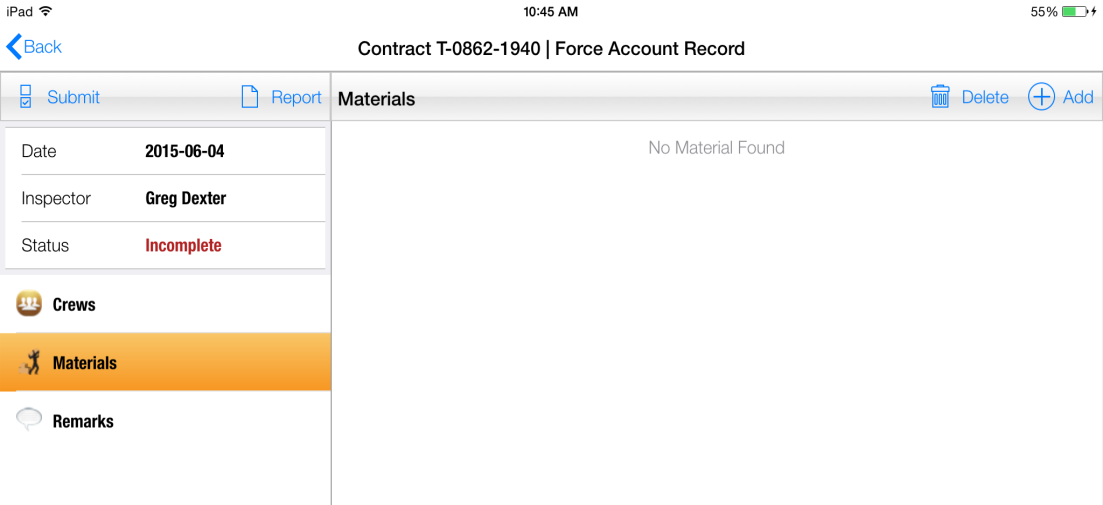
Figure 150 – Force Account Materials
- Tap Add
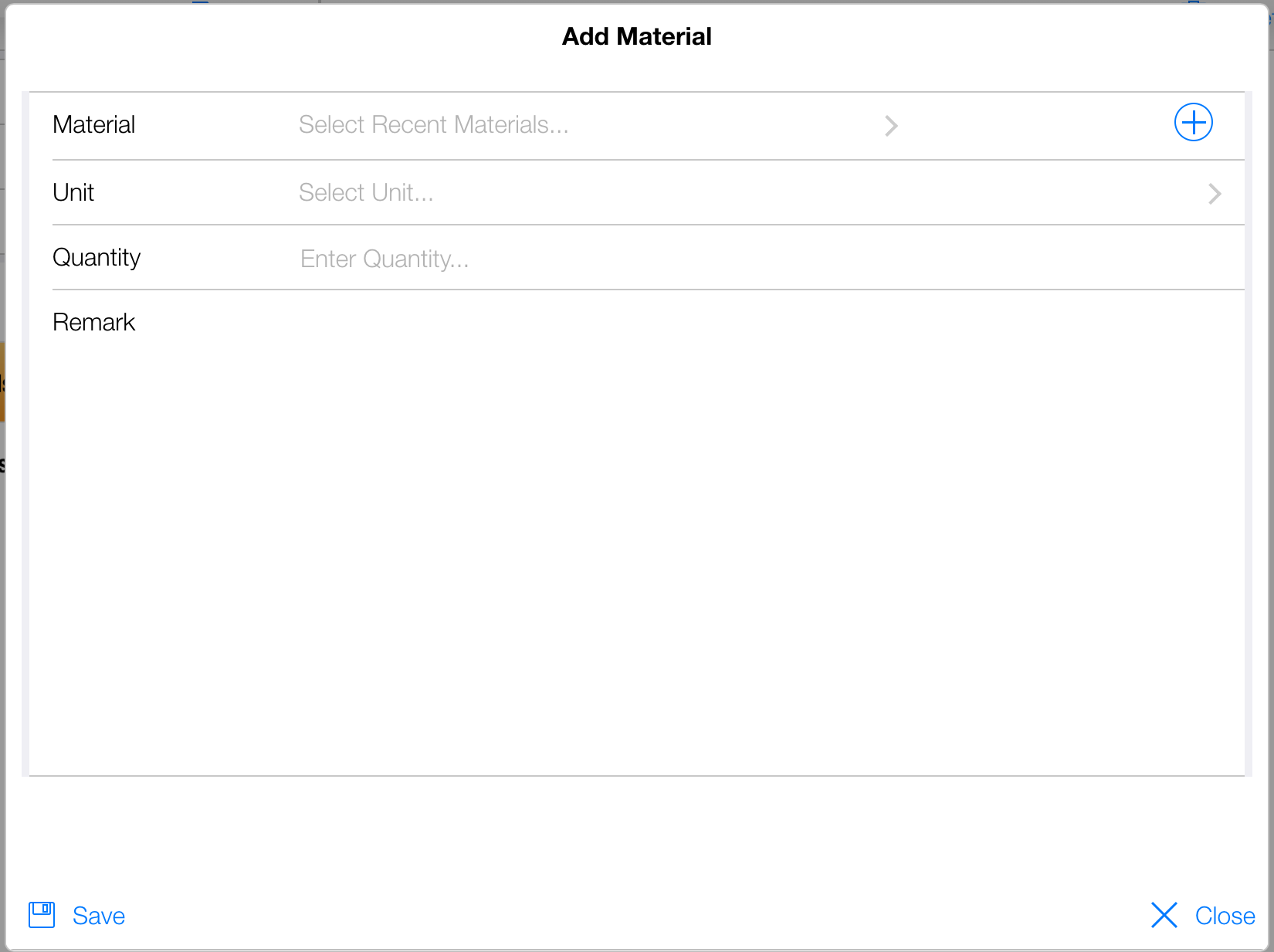
Figure 143 – Adding Force Account Material
The Add Material form allows you add material to the Force Account Record. You can select recently used materials or enter a new material using the
 button.
- Select the Unit (Note: If you select a Recent Material the Unit will be automatically populated).
- Enter the Quantity
- Enter an optional Remark
- Tap Save
The procedure for editing and deleting material is the same as all other data items in the application.