-
To access and download a Single specification file:
- Select the contract from the Contracts page
- Tap the Specifications Tile link
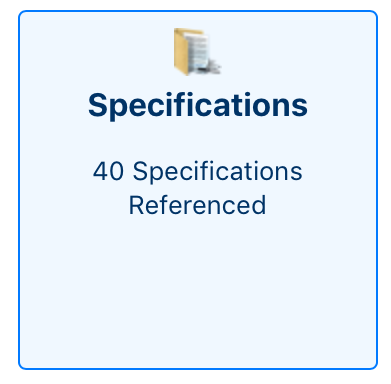
Figure 157- Access Specification files under My Contracts.
- A list of all Specification documents is displayed
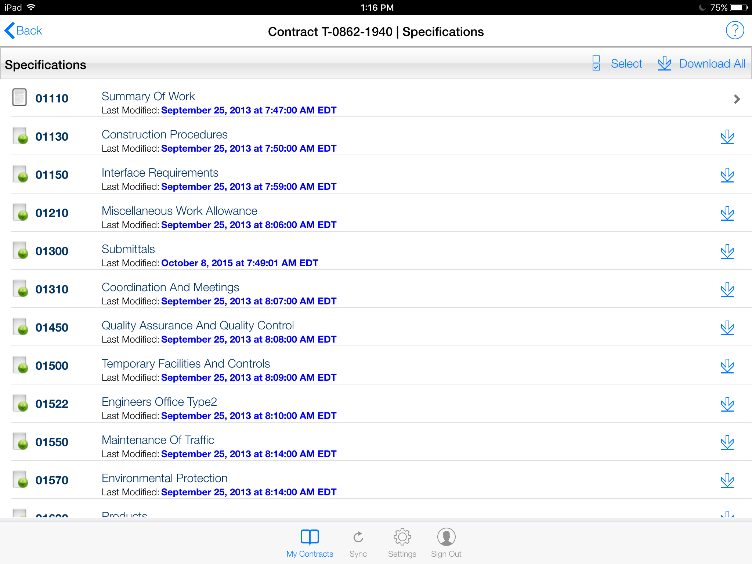
Figure 158 - Specification File list.
- Tap the Down Arrow of the record line you wish to download

Figure 159 - Tap the down arrow on right side to initiate download.
- The selected Specification file is displayed
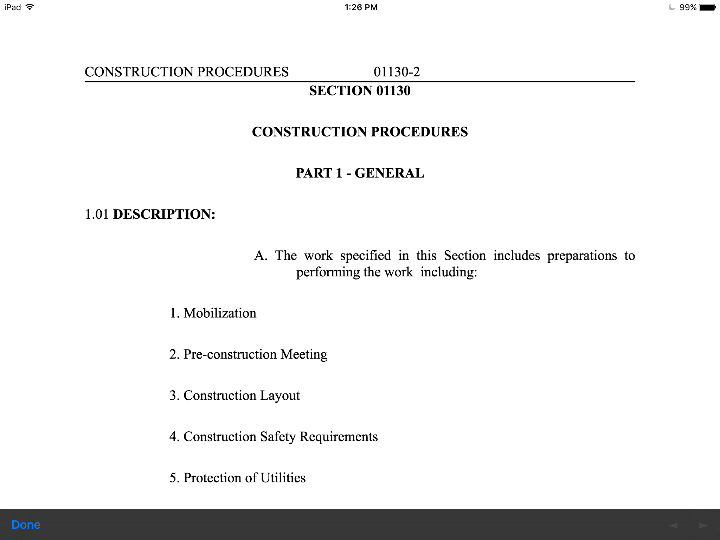
Figure 160 - Specification file after download.
- Tap the Done button to close the file and return to the Specification page
NOTE: If a Spec file is successfully downloaded, the Down Arrow will be replaced with a > symbol on the record line

Figure 161 - Down arrow has been replaced by a > after download.