-
To access and download All specification files:
- Select the contract off the My Contract page
- Tap the Specifications link
- A list of all Specification documents is displayed
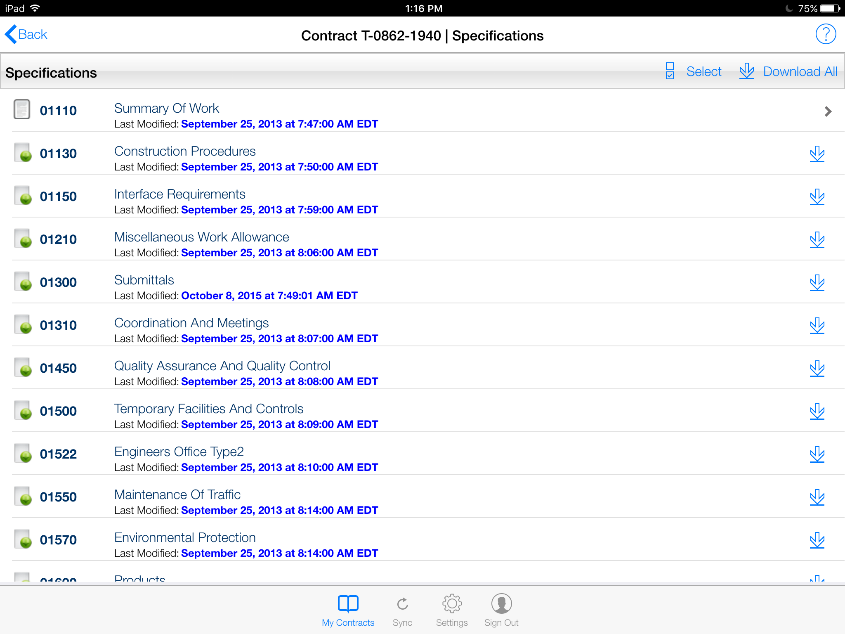
Figure 168 – List of specification files available for download
- Tap the Download All button in the Specification ribbon

Figure 169 - Select Download All to access all spec files
- Tap Yes to the CCMS download warning message
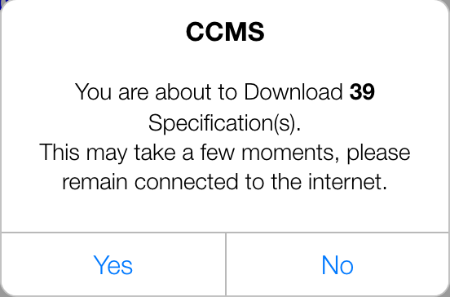
Figure 170 - Spec download warning message
- If a Spec was successfully downloaded, the Down Arrow will now display as a > symbol
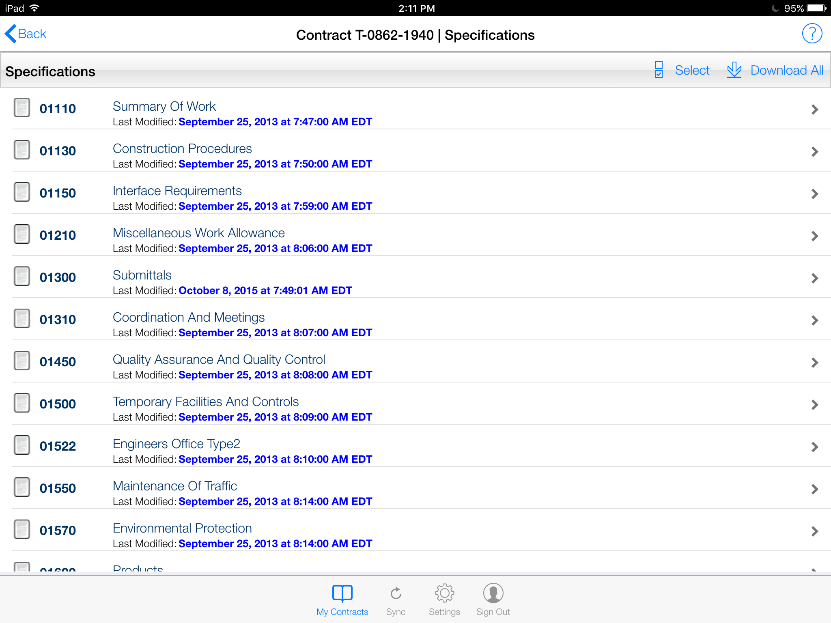
Figure 171 - Specification records after successful download