14.1 Adding Contract Modifications
Contract modifications can be added by clicking the Add button located in the upper left corner of the Modifications grid. Clicking the Add button will load the Add Modification form.
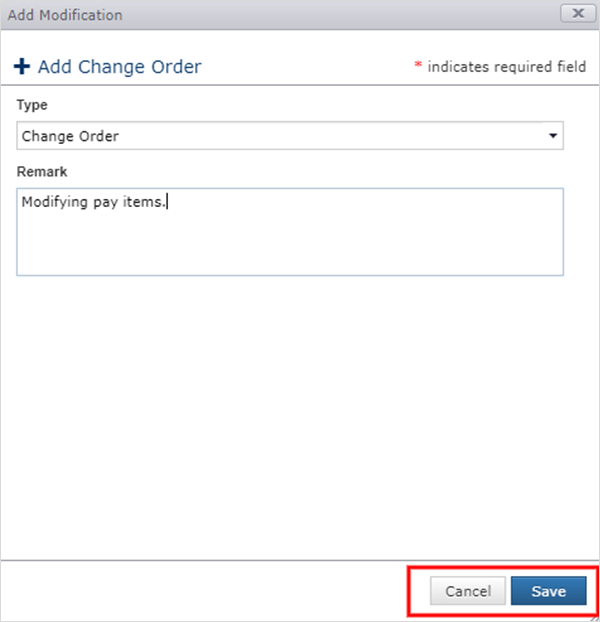
- Select the Type (Change Order is currently the only type).
- Enter an optional Remark.
- Click Save.
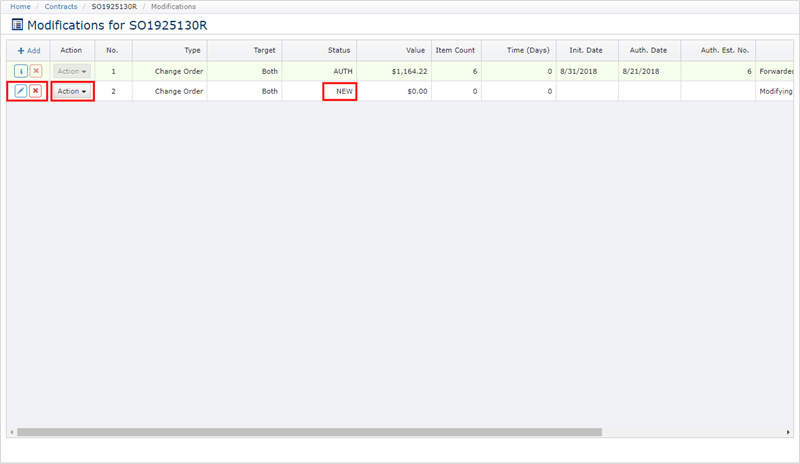
Once saved, the modification state is set to NEW and is ready to be configured. Configuring the modification involves modifying contract value or time, discussed in the following sections.
Next Topic: Contract Modification Status