-
The final step in completing a Force Account Record is to have Contractor review, agree and sign the Force Account record. After the Inspector Submits the Force Account record, the Sign button is displayed in place of the Submit button.
- Tap the Sign button on the top left of the Force Account status panel.
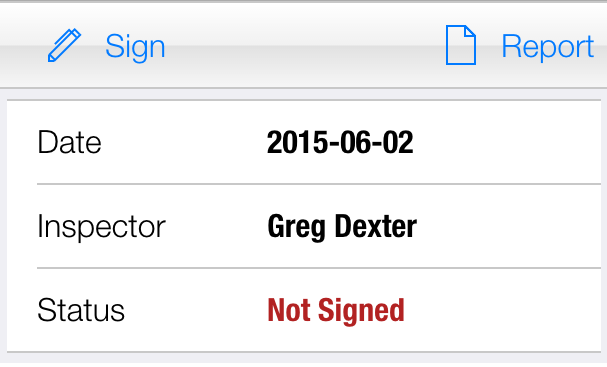
Figure 145– Sign Force Account
- Select an existing Contractor name or enter a new Contractor name.
- Enter the Email address for the contractor signing the force account. (We recommend entering the email address as this allows the system to email a copy of the Force Account report to the Contractor after the signed force account is synced with the database.
- Have the Contractor sign the force account using a stylus or any available signing tool.
- Note: Use the Clear button to erase the current signature and try again.
- Tap Save
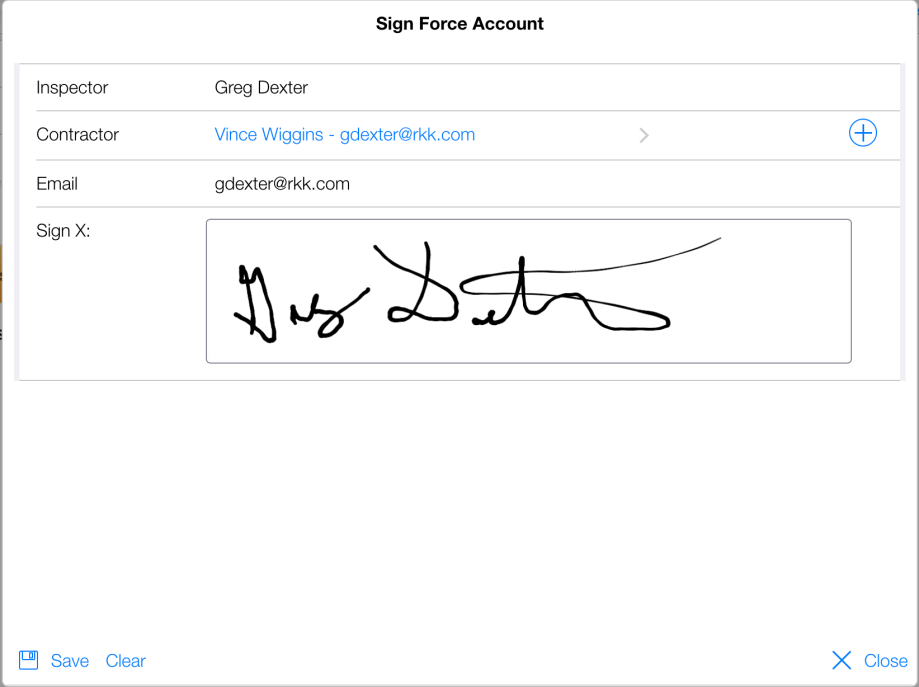
Figure 146– Showing a completed and signed Force Account Record.