-
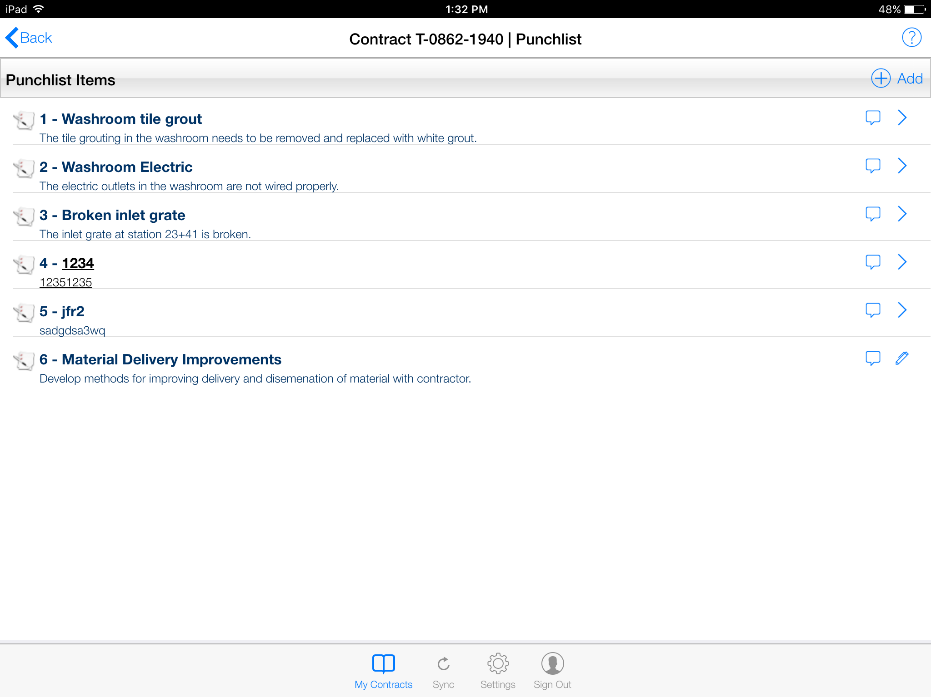
Punch List Items can be used to track additional tasks associated with the Contract/Project. Punch List Items can be added by the Inspector on the tablet or by the OE/RE using the CPOM Web Application.
To access the Punch List Items page:
- Select the contract from the Contracts page
- Tap the Punch List Items link
- The Punch List Items Page will be loaded and displayed