-
To add a Punch List Item tap the Add button located at the top right corner of the page.
- The Punch List Item Editor form display
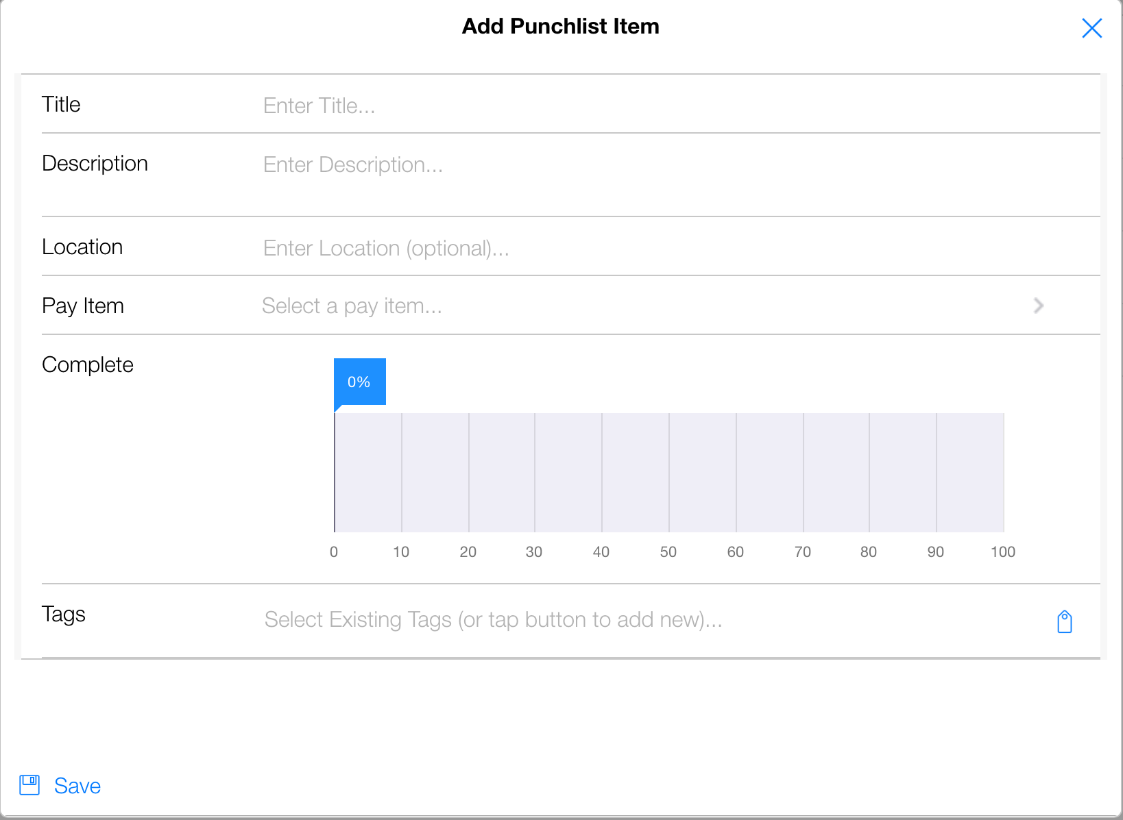
- Enter the information regarding the Punch List Item and tap Save.
- Once the Punch List Item is saved you can add attachments to the issue. (See section on adding attachments).
- Perform a Sync to push the Punch List Item into the CCMS Server Database.