-
Punch List Item editing is allowed if you are the creator (owner) of the item. The application provides a visual queue for Punch List Items which are available for editing.

Tap the Edit button to load the Punch List Item Editor.
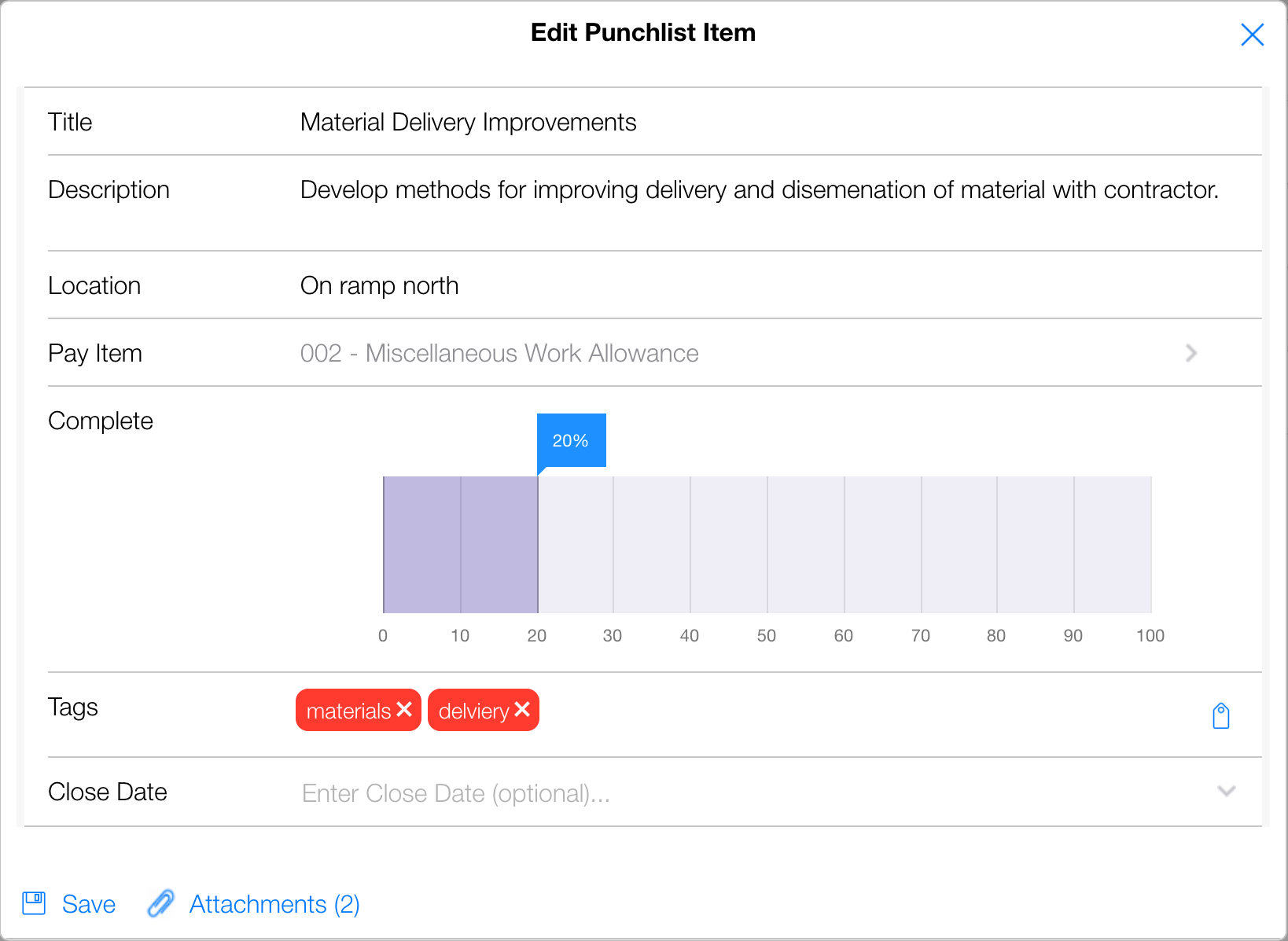
Make any necessary edits and tap the Save button. Perform a Sync to push the changes to the CCMS Server Database.
NOTE: Punch List Item deletion is NOT allowed in the Tablet application. Punch List Items can be deleted through the CPOM Web application.