-
- Tap the Crews tab
- Tap the desired crew to in the Crews List
- Tap the Activities button
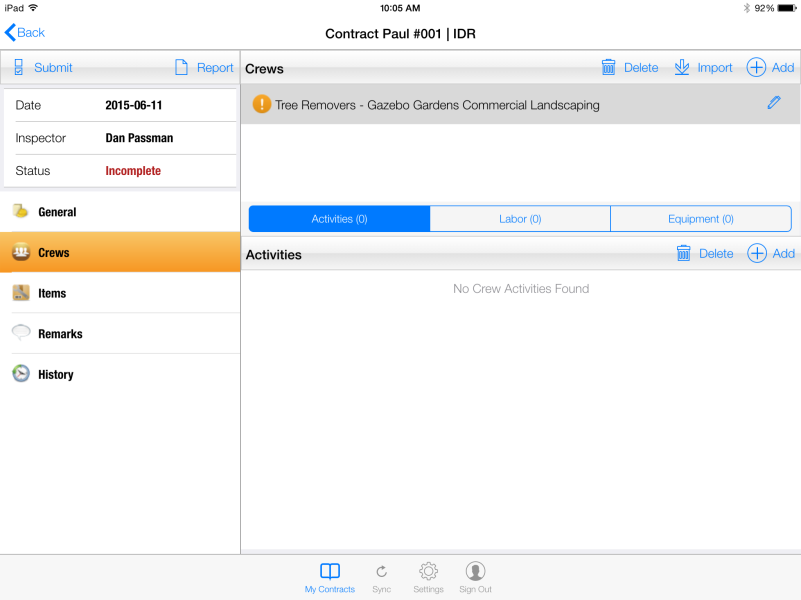
Figure 22 - Paving crew, Activity tab selected.
- Tap the Add button in Activities function toolbar

Figure 23 - Activities toolbar, Add button
- In Add Activity form, tap the Activities field to access drop down list of project Activities to select
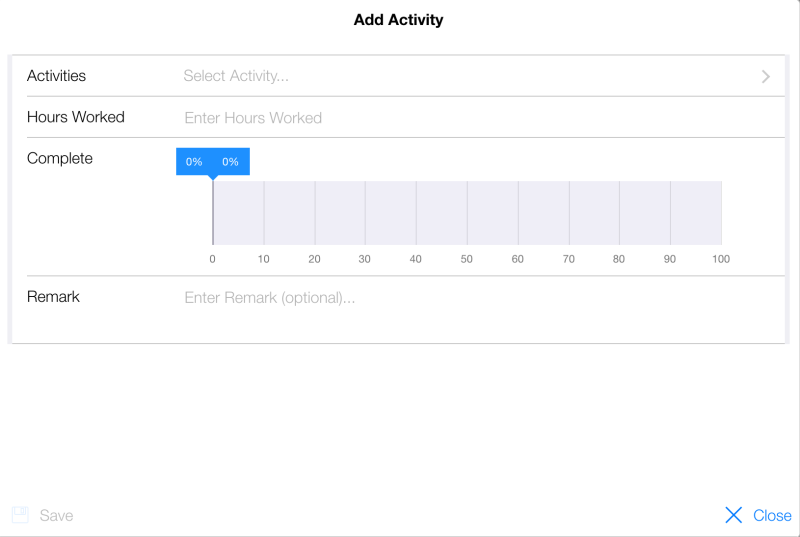
Figure 24 – Add Activity form
- Select Activity from drop down list
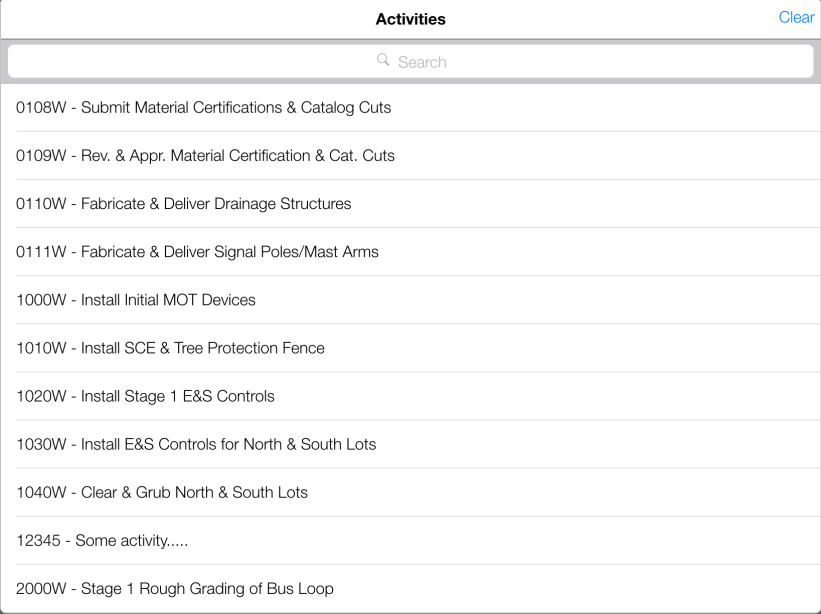
Figure 25 - Activities drop down list
- Fill out remaining fields (Hours Worked, Percent Complete, and Remark)
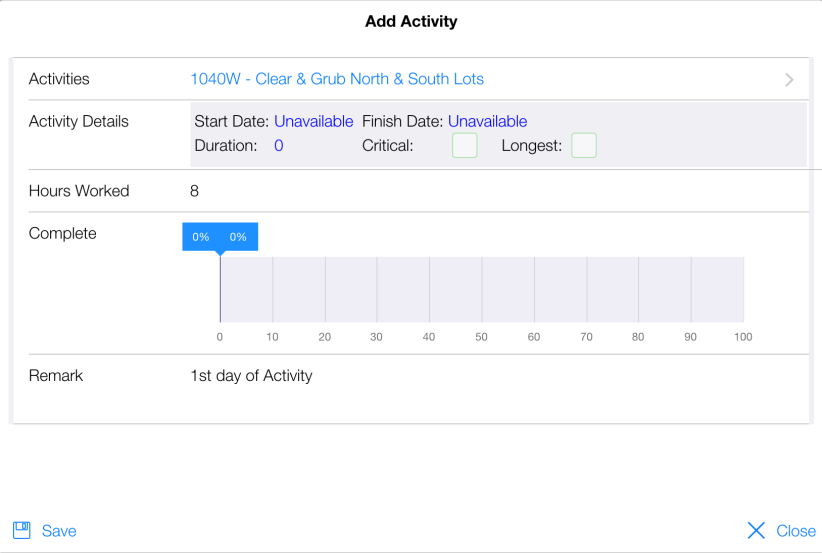
Figure 26 - Add Activity form filled out
- Tap Save
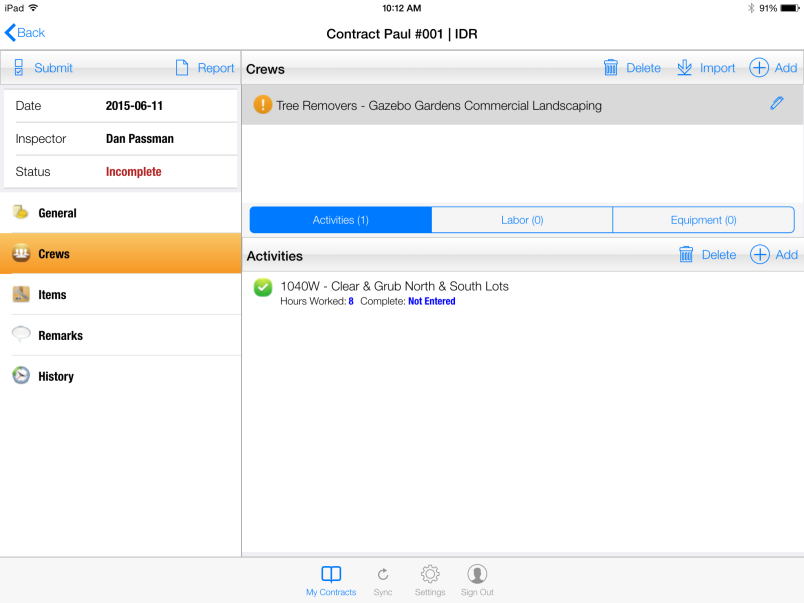
Figure 27 - Activity has successfully been added
NOTE: Only Activities that currently exist in the contract database can be added to a Crew record. If a new Activity is necessary, it must be added using the CPOM module. There is currently no method to add an Activity using the tablet. Contact the OE for any new Activities.