-
Depending on the state of the IDR (incomplete, missing, etc), you may delete an IDR Crew Activity record. This action removes only the IDR crew activity, not the project activity itself.
- Tap the Crew record
- Tap the Activities tab
- Tap the Delete button
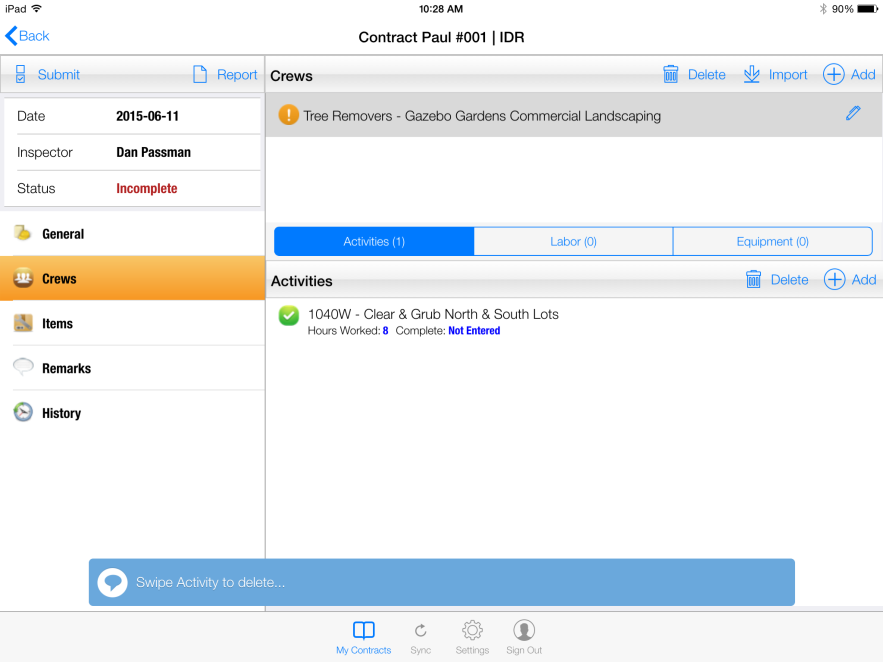
Figure 28 - After selecting Delete button
- Swipe the Activity entry to delete
- Tap the red Delete button after swiping
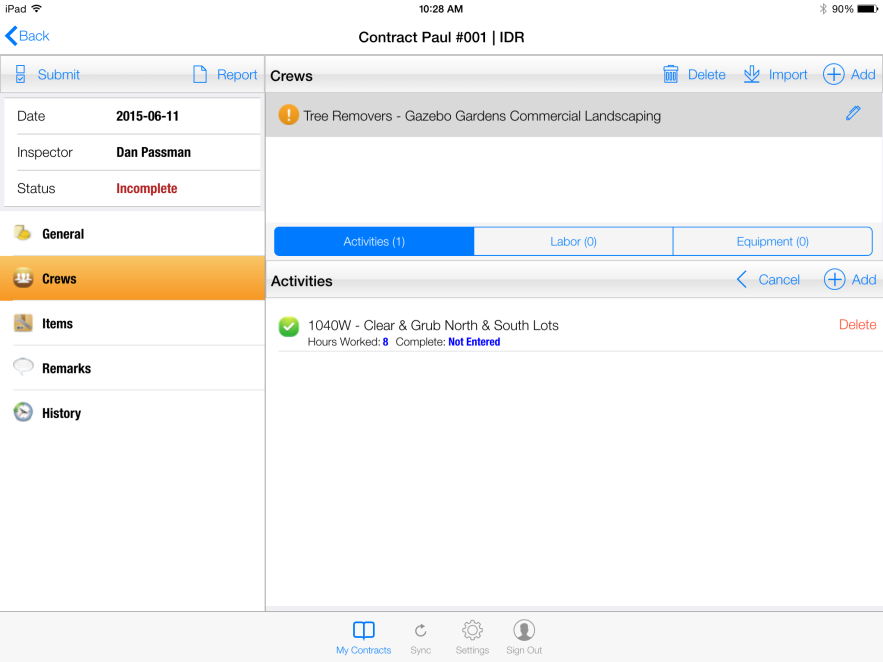
Figure 29 - Selecting 'Delete' button to permanently remove crew activity