-
- Select the Remarks tab
- Tap the Add button in the Remarks toolbar

Figure 98 - Remark function toolbar
- The Add Remark page displays
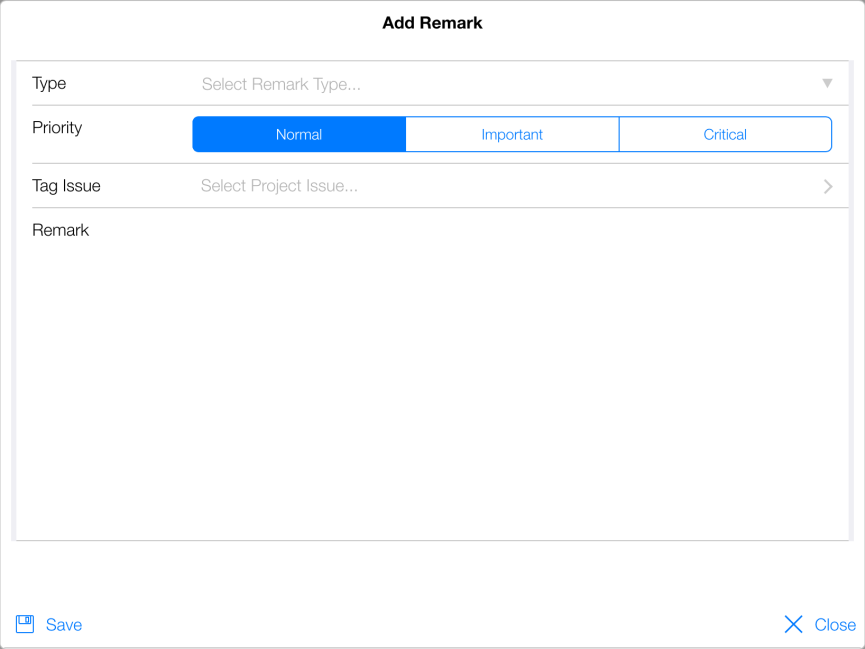
Figure 99 - Add Remark page
- Select the remark type from Type field drop down list
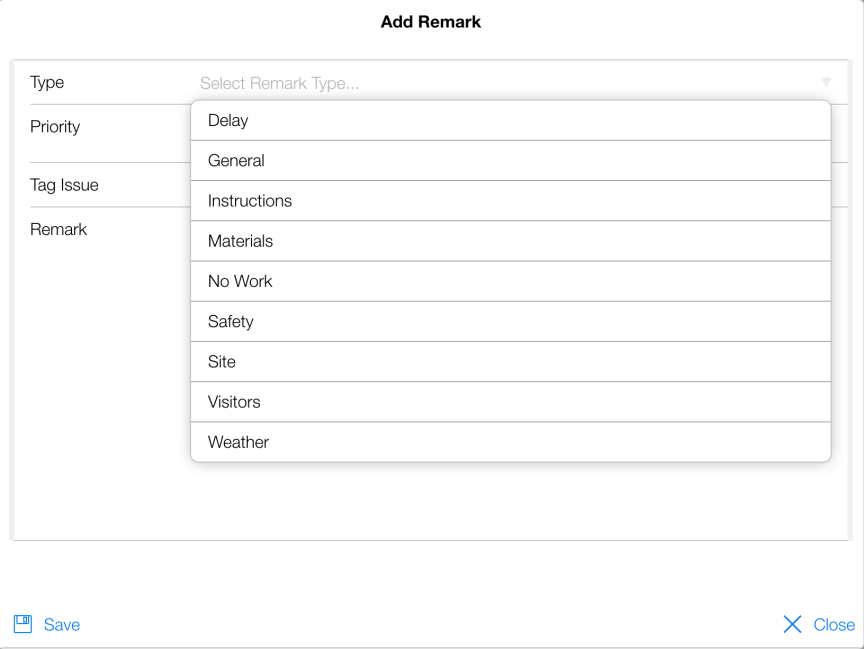
Figure 100 - Remark Type drop down list choices shown
- Set the Priority by tapping appropriate level
- Enter the remark in Remark field
NOTE: If you are connected to the Internet you can tap the Microphone Icon on the tablets keyboard and verbally dictate the remark
- Tap Save
- Tap Close
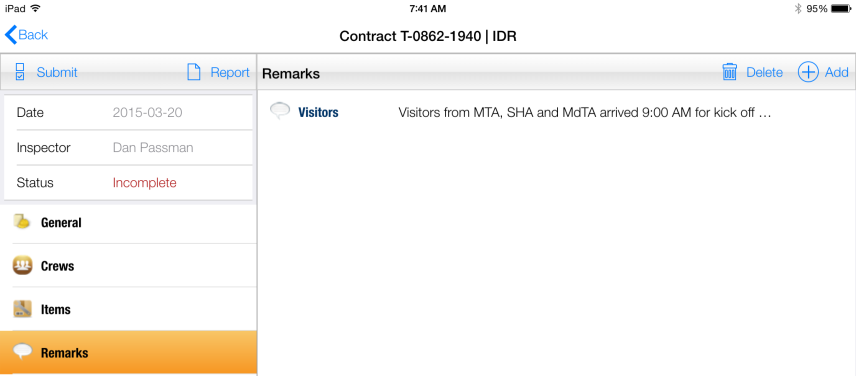
Figure 101 - Remark record successfully added