-
- Tap the Photo icon on the Remark record entry with attachment to delete

Figure 113 - NOTE: 2 attachments saved to this Remark Record
- If more than one attachment exists, swipe through list until photo to delete is shown
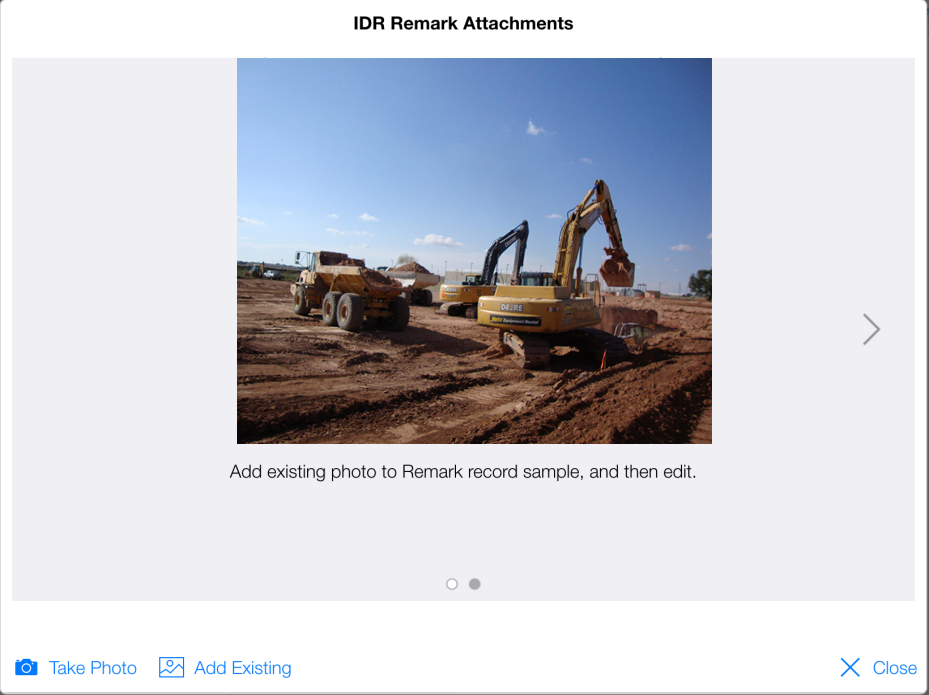
Figure 114 - Use arrow buttons to scroll through records with multiple attachments
- Tap anywhere on photo to access the Edit IDR Remark Attachment form
- Tap Delete
- Tap Yes to CCMS Remark Attachment Warning Message to confirm deletion
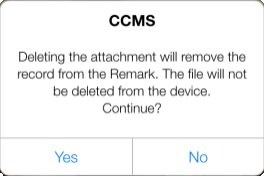
Figure 115 - Delete Attachment warning message
- Tap Close

Figure 116 – One of the original two attachments successfully deleted