-
CCMS allows users to import IDR information from a previous IDR into the current or target IDR. This is particularly useful for large contracts where the same IDR information may be used every day for consecutive days, weeks or even months. The user has the option to import all information from a previous IDR, or select out individual Items or Crews to carry over.
The Import functionality supports the following IDR data structures:
- Items (without quantity)
- Crews
- Activities
- Labor
- Equipment
NOTE: When items are imported to current IDR using this method, only the Item record itself is carried over. All usage information from the previous IDR is removed, and the user must enter the values for the current IDR using the Edit IDR Item form.
- Tap the Import button located on the right side toolbar.

- Select Import Source.
- From Tablet (Default): When this source is selected the user is able to copy/import IDRs which are stored on the device. (Available off-line).
- From Server: If you have a connection to the Internet, this option allows the user to select IDRs which are stored on the CCMS Server.
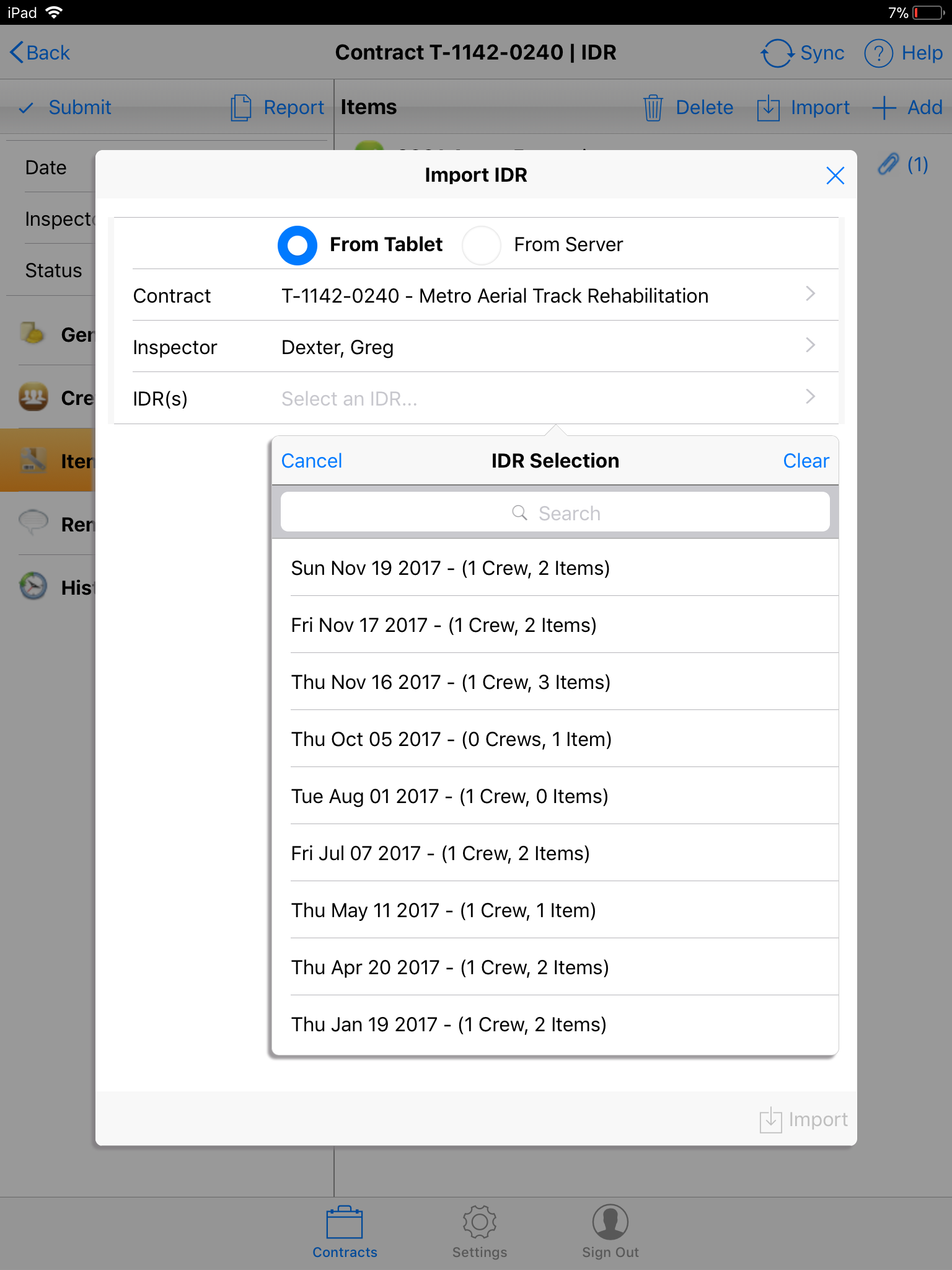
- Select the Inspector and IDR Date. Please note, an IDR must have at least one Item record or one Crew record to be displayed in the list.
- Use the check boxes to include/exclude IDR data for the import. (Check boxes are checked by default)
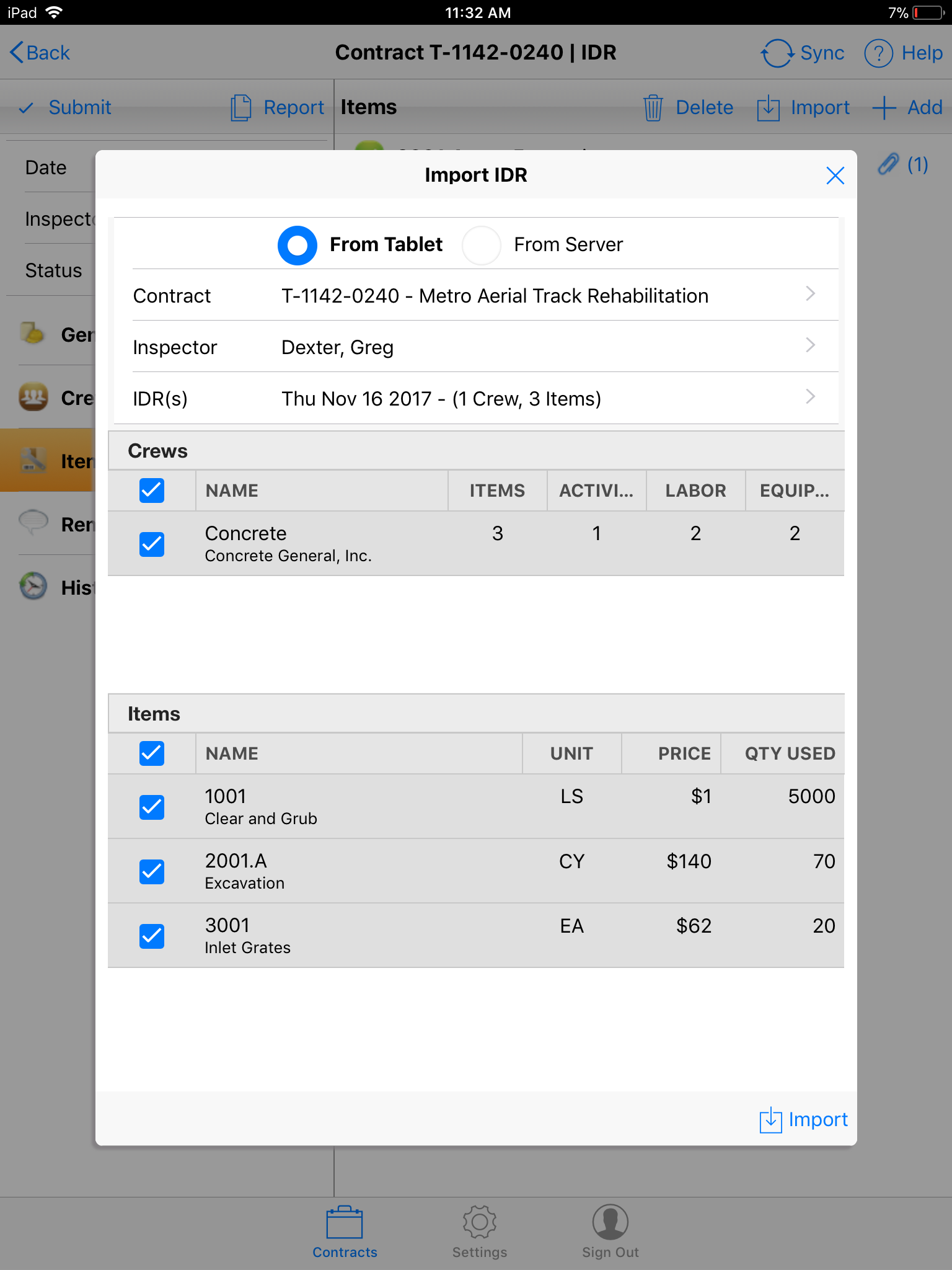
- Tap the Import button to complete the operation.