-
- Select the IDR date to view report using the ‘List View’ or ‘Calendar View’ page view
- Tap the Report button on selected IDR page
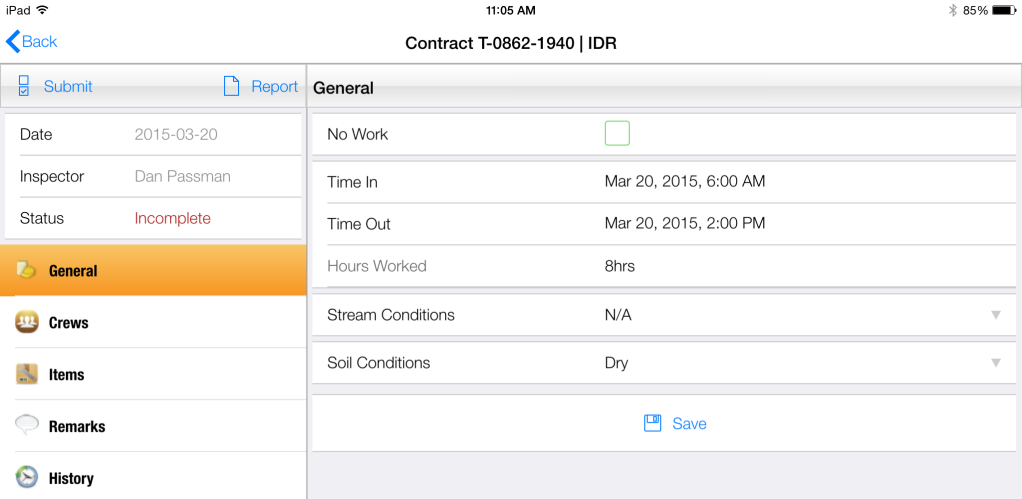
Figure 117 - 'Report' button shown on IDR Entry page
- If the tablet IDR information is current and up to date with master database, the report will generate with no further action required
- If the tablet IDR information is NOT current with master database, the following warning message will appear
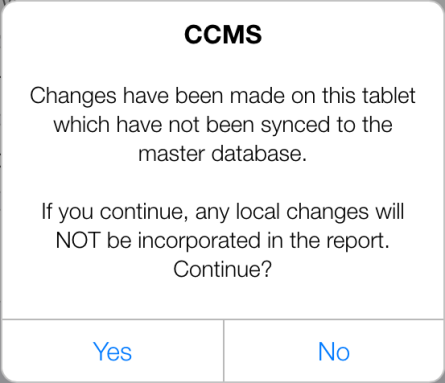
Figure 118 - Sync warning message
- Tap Yes to generate the report without Syncing
- Tap No to perform Sync before generating Report
- Tap Yes to CCMS Sync Message to initiate Sync
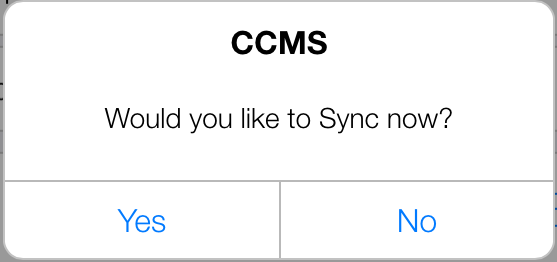
Figure 119 - Tap Yes to Sync the tablet with master database
- The IDR Report is generated and displayed in new window
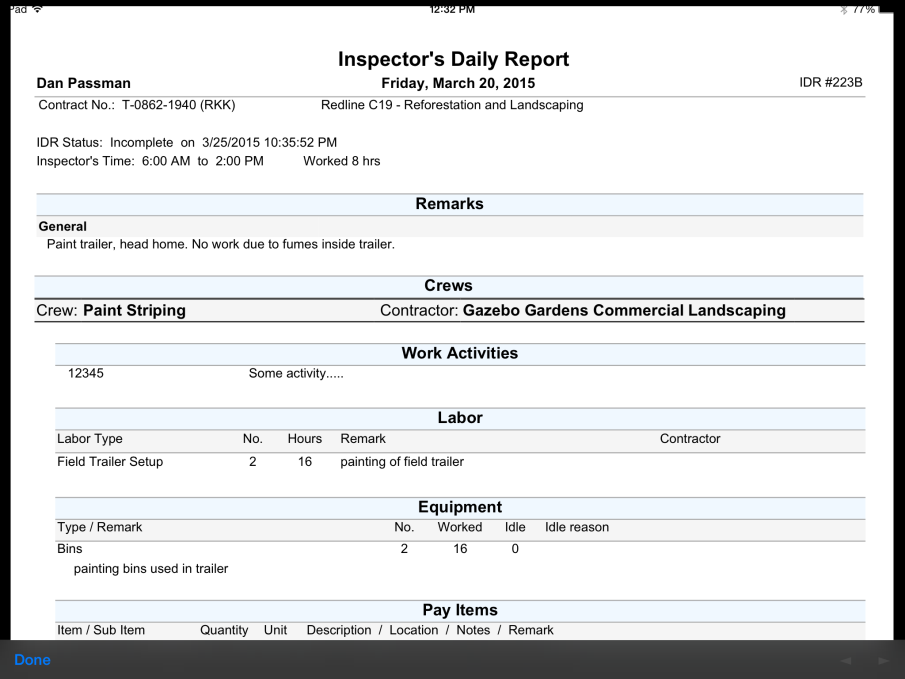
Figure 120 - IDR Report. Use arrows to scroll pages
- Tap Done to close report and return to IDR entry