-
If an IDR has a state of Not Started or Incomplete, the user can select multiple IDRs and set them to No Work in one edit session. The process is the same no matter which state the IDR is currently in.
To update multiple IDRs to No Work:
- Tap the specific IDR State tab to access IDR list, located under ‘IDR History’ heading
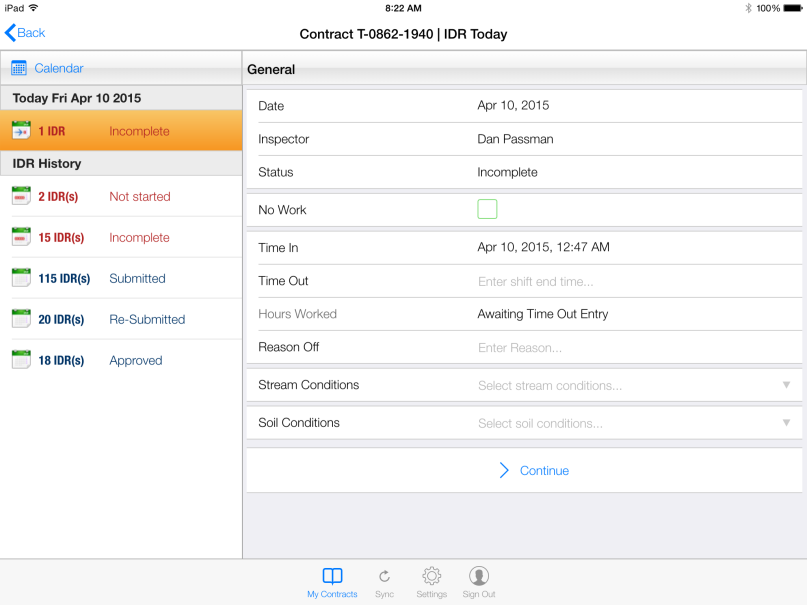
Figure 125 - Select specific IDR State to access IDR’s to batch edit
- List of all available IDR’s for specific IDR State displays to the right
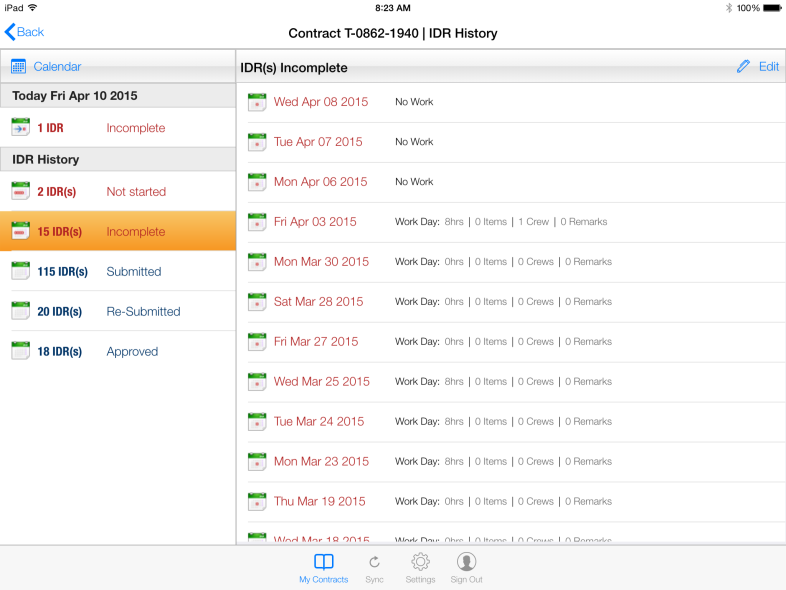
Figure 126 - List of all Incomplete IDR’s shown at right
- Tap the Edit button or Pen icon to select IDR’s to update

Figure 127 - Edit button and Pen Icon. Select to begin Editing
- Tap the empty box next to each IDR to select for updating
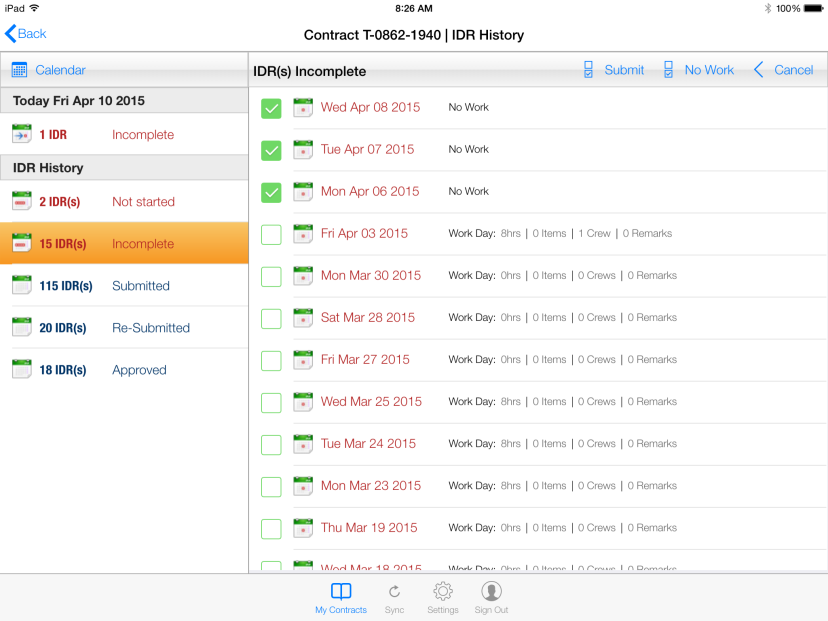
Figure 128 - Select IDRs to edit by checking box
- Tap No Work button to Save all selected IDR’s as ‘No Work’
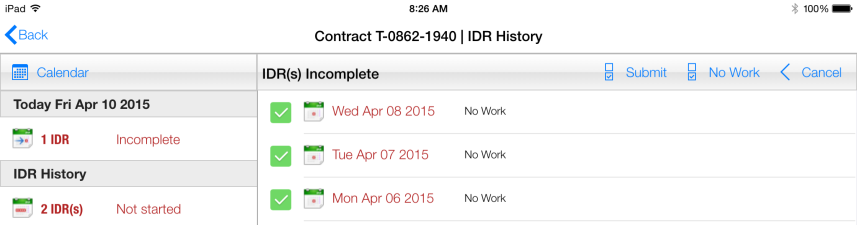
Figure 129 – IDR’s selected for ‘No Work’ batch edit
- Tap Yes to CCMS No Work Warning Message
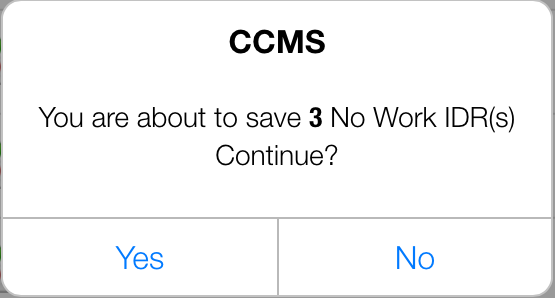
Figure 130 - CCMS No Work save message
- Selected IDR’s are now saved as ‘No Work’
- OPTIONAL: If you want to submit the No Work IDR’s in same edit session, you will need to select them again
- Tap the empty box next to the IDR to select again
- Tap the Submit button
- Tap Yes to CCMS Submit Warning Message
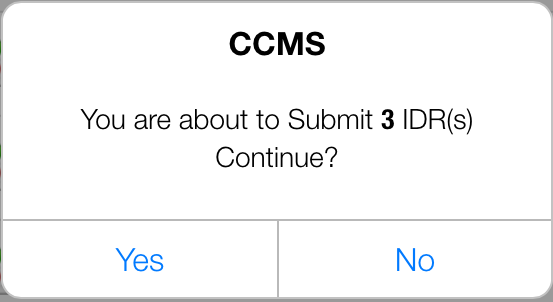
Figure 131 - CCMS Submit message
- Selected IDR’s have been Submitted and are now located in the Submitted list