-
If an IDR has a state of ‘Incomplete’ or ‘Rejected’, the user can select multiple IDR’s and Submit in one edit session. The process is the same no matter the state of the IDR.
To update multiple IDR’s and Submit:
- Tap the specific IDR State tab to access IDR list, located under ‘IDR History’ heading
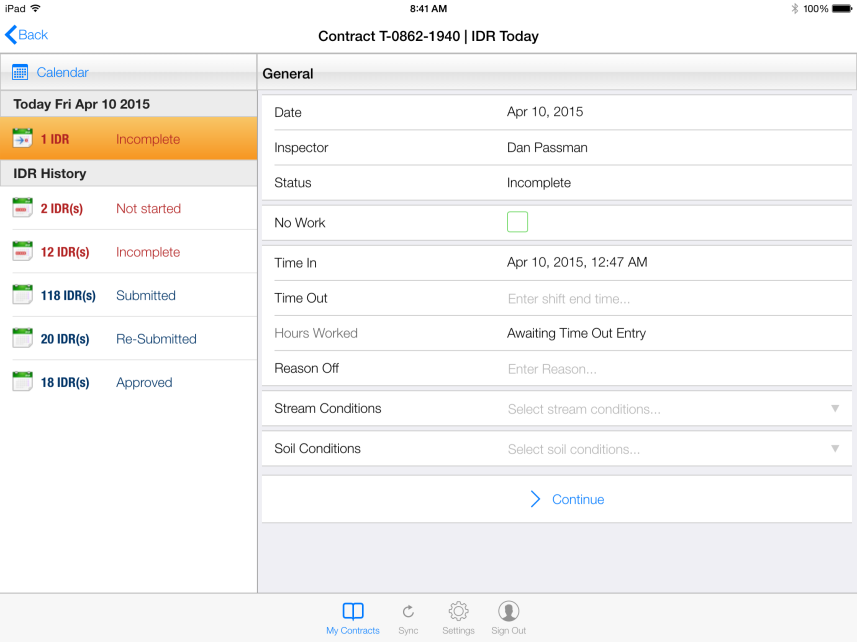
Figure 132 - IDR Status tabs shown under IDR History list
- List of all available IDR’s for specific IDR State displays to the right
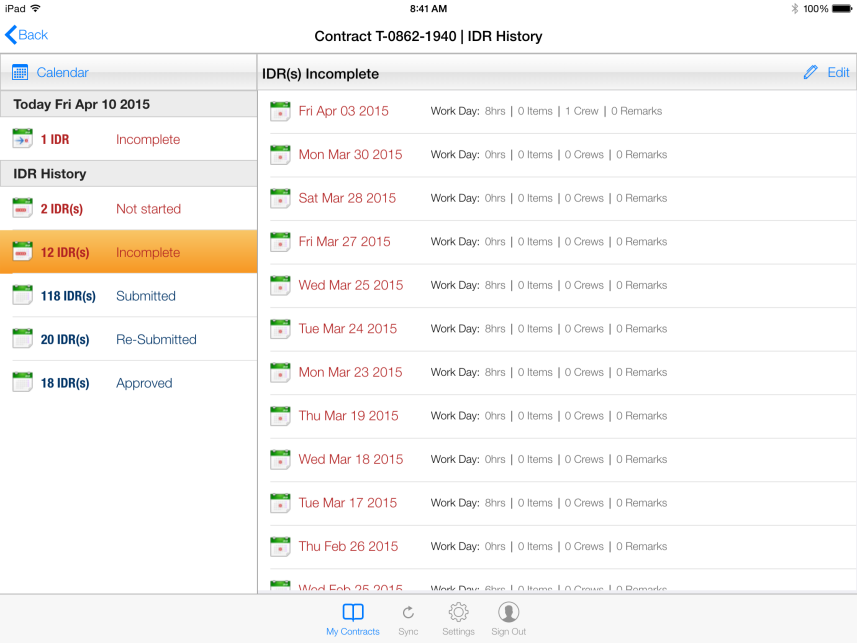
Figure 133 - List of all Incomplete IDRs shown at right
- Tap the Edit button or Pen icon to select IDR’s to update

Figure 134 - Select Edit button or Pen icon to begin editing
- Tap the empty box next to each IDR to select for Submittal
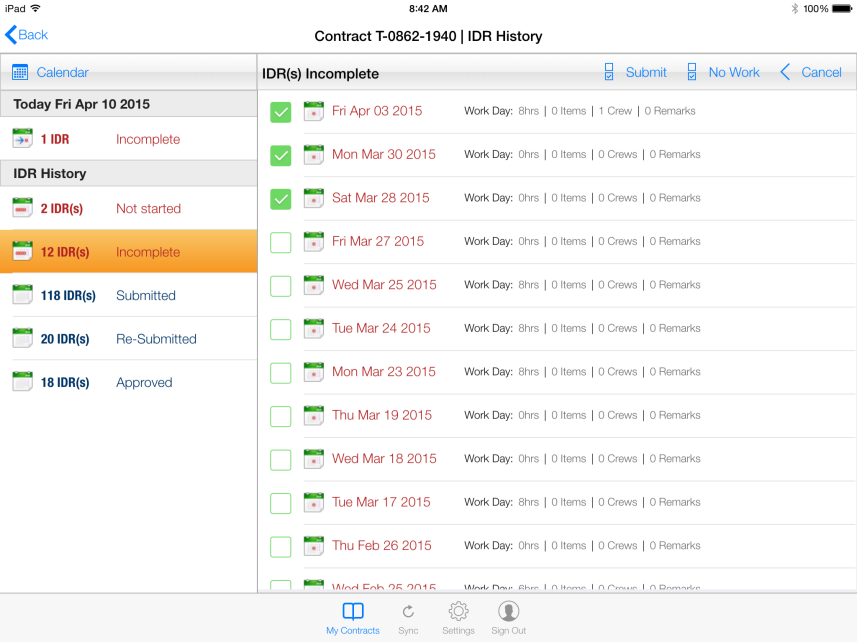
Figure 135 – IDR’s selected for Submittal shown at right
- Tap the Submit button to submit all selected IDR’s
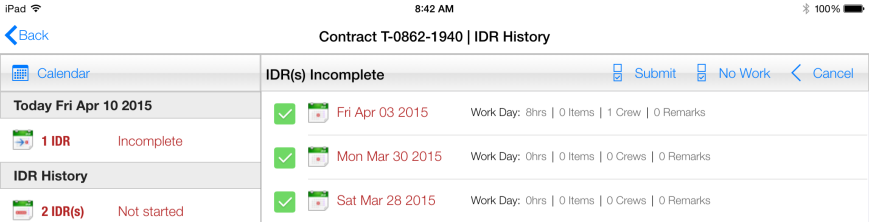
Figure 136 - Submit button shown on IDR Incomplete toolbar
- Tap Yes to CCMS Submit Warning Message
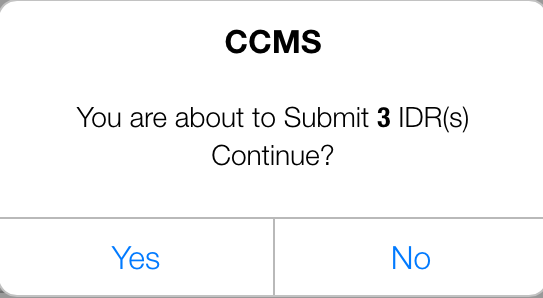
Figure 137 - CCMS Submit warning message
- Selected IDR’s have been ‘Submitted’ and now located in the Submitted list
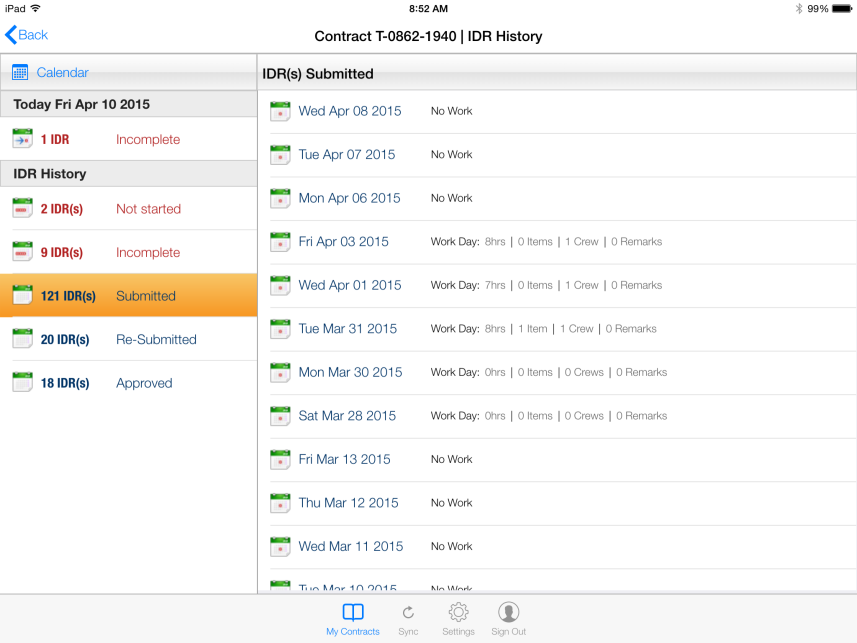
Figure 138 – After submittal, IDR’s now display in Submitted list