11.4.3 Scenario #3 Task Order with Separate Pay Items Sets
Similar to Scenario #2, except the individual task orders are different enough from each other as to require a different set of pay items.
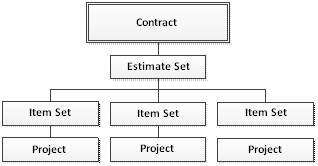
In this scenario, most all operations and interface are identical to Scenario #2 Task Order, however, because each Project (Task Order) contains a separate set of Pay Items (Item Set), Retainage editing is slightly different.
Retainage
The Retainage sections shows a breakdown of the retainage components for the current progress period.
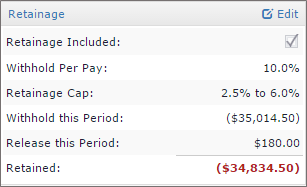
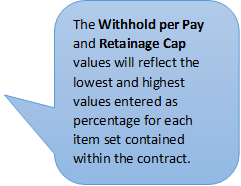
Editing Retainage is available for users who are estimate set managers. Click the Edit link at the top of the section to load the Edit Retainage Settings form. This form allows the OE/RE to edit the Retainage Settings for each Item Set in the current progress period.
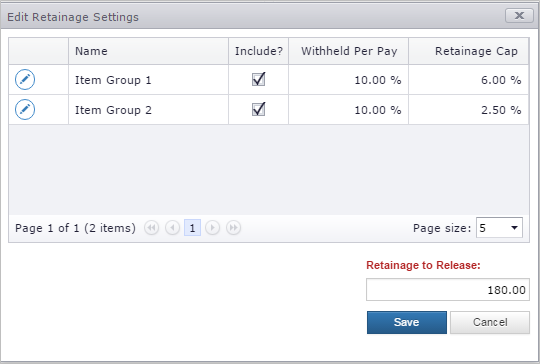
Click the Edit button  for the Item Group to bring the row into edit mode.

- Include: Indicates whether Retainage for the Item Set should be included in the current progress period.
- Withheld Per Pay: The percentage of retainage to withhold for the current period for the selected Item Set.
- Retainage Cap: The percentage of the authorized value of the Item Set to withhold.
Click the row Save button  to save the changes made to each Item Set.
Click the Save button to save any changes made to the Retainage to Release value.
Note: The Current Progress Period will be automatically recalculated.
Next Topic: Scenario #4 Task Order with Multiple Prime Contractors