12.1 Reports Page
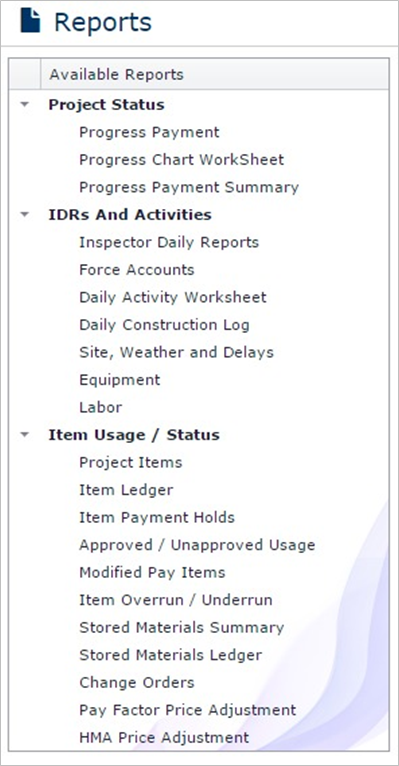
Reports page contains several reports available to users.
To see a report, select the report from the ‘Available Reports’ list located on the left side of the page.
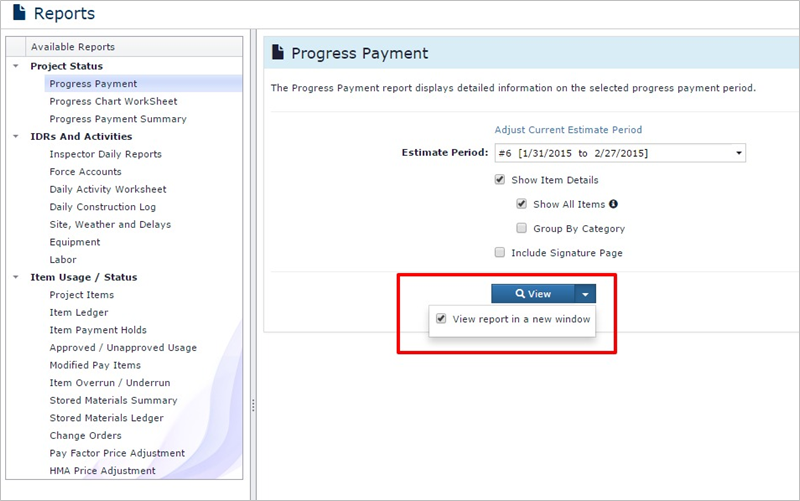
The report input page will be displayed. Enter the input and click View to display the report.
Note: To see the report in new window click the arrow drop down button and check the ‘View Report in New Window’.
In the following example, a progress payment report is being generated. User has selected an estimate period and has chosen to see All Items and Item details. Also, the report will be opened in new window/tab.
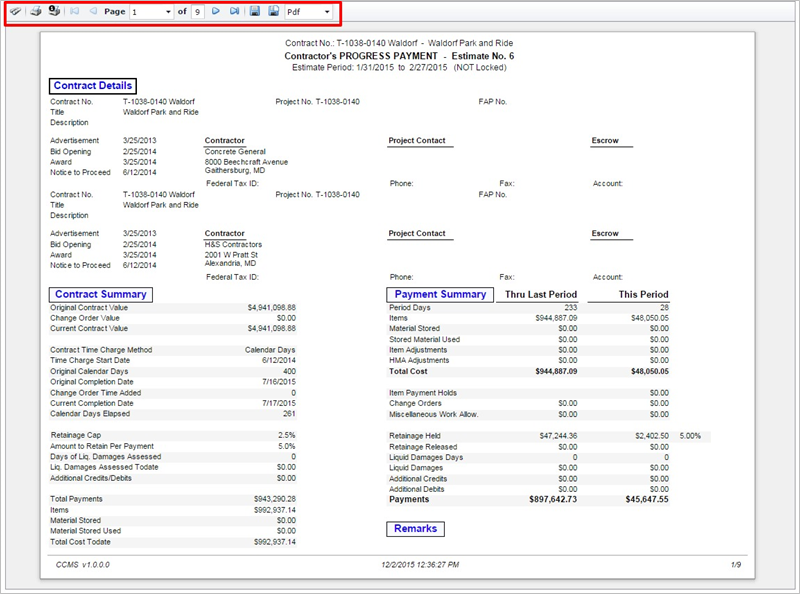
The report is ready to be viewed/downloaded. Users can view/print/save the report using the output bar provided on the top of the report.
Next Topic: Exports Page