13.5.3 Adding Explanation
Users can add Underrun/Overrun explanations for items.
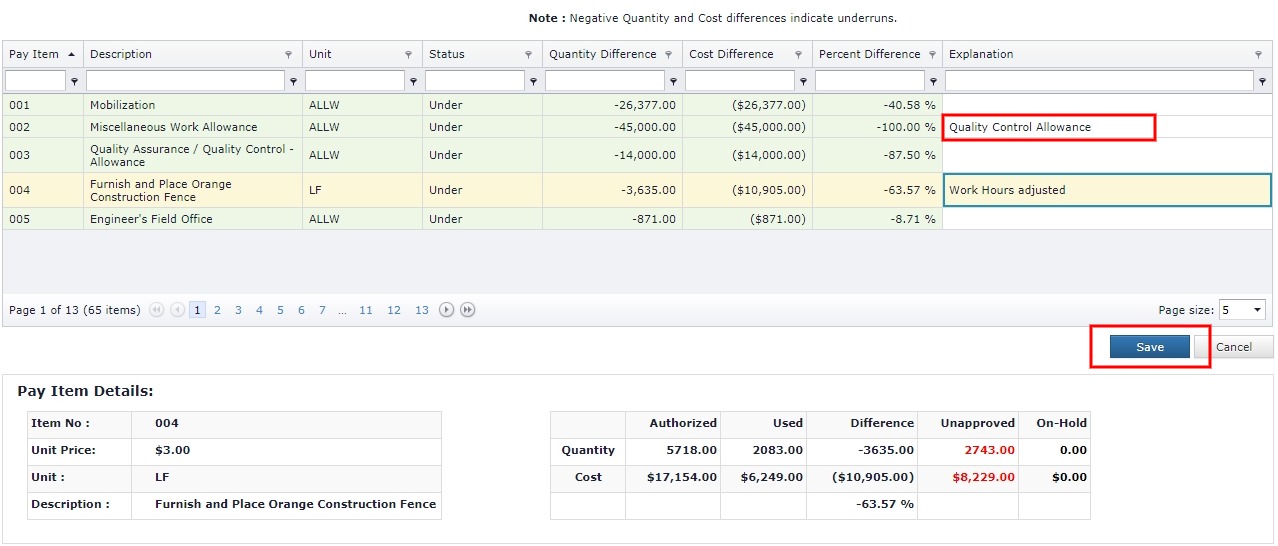
- To Add/Edit explanations for multiple pay items click the Explanation column cell for the Pay Item.
- Fill in the Explanation.
- Click the Save button to Save changes to the explanation of the items.
- Clicking Cancel button discards all changes.
Next Topic: Pay Item Adjustment