14.1.2 Pay Items
Pay Item can be added to the change order by clicking the Add button located at the top of the Pay Items tab. Clicking the Add button will load the Add Pay Item Modification wizard.
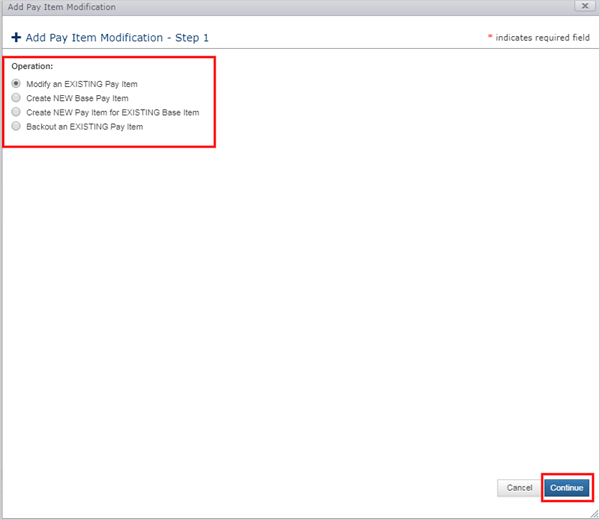
CCMS supports four modification operations for Pay Items:
- Modify an EXISTING Pay Item
- Create NEW Base Pay Item
- Create NEW Pay Item for EXISTING Base Item
- Backout EXISTING Pay Item.
Note: A Base Item is a brand-new contract item with a unique item index and its own unit price, unit of measure and description. You may define one or more Pay Items for each Base Item, each with its own item name and authorized quantity. Multiple pay items for a single base item are used to target different funding categories.
Next Topic: Modify EXISTING Pay Item