-
To delete a Journal Entry:
- Select the contract off the My Contracts page
- Tap the Journal Entry link
- Tap the Pen icon or actual record of the Journal Entry to delete
- On the Journal Editor form, tap the Delete button
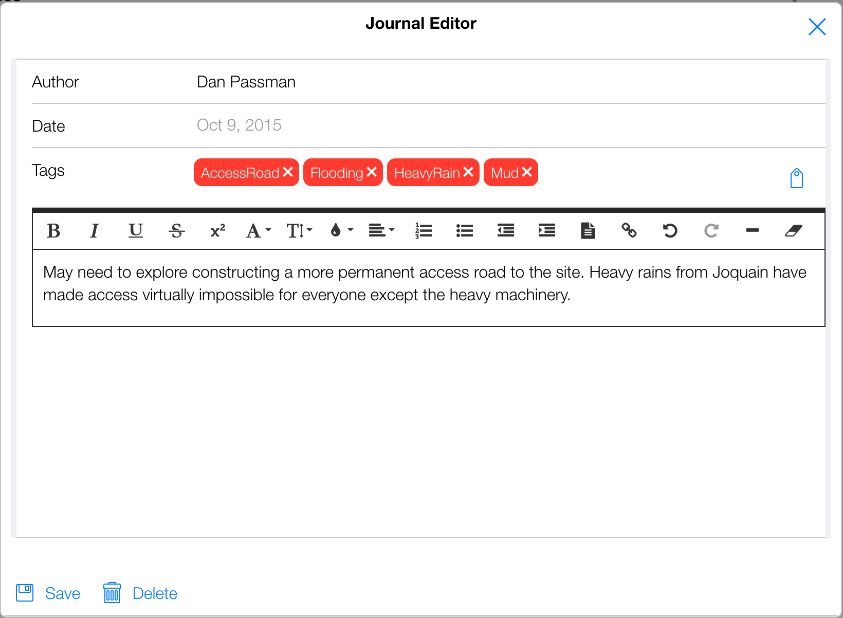
Figure 156 - Tap the Delete button to remove Journal Entry
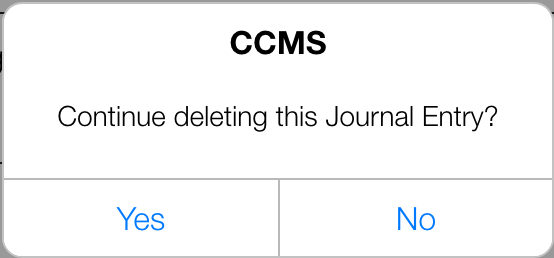
- Tap Yes on the CCMS Delete Journal Entry form
- The Journal Entry has now been deleted