-
To view a previously entered Journal Entry:
- Select the contract off the My Contracts page
- Tap the Journal Entry link
- A list of all Journal Entries is displayed.
- Tap the Pen icon or actual record of the Journal Entry to View / Edit
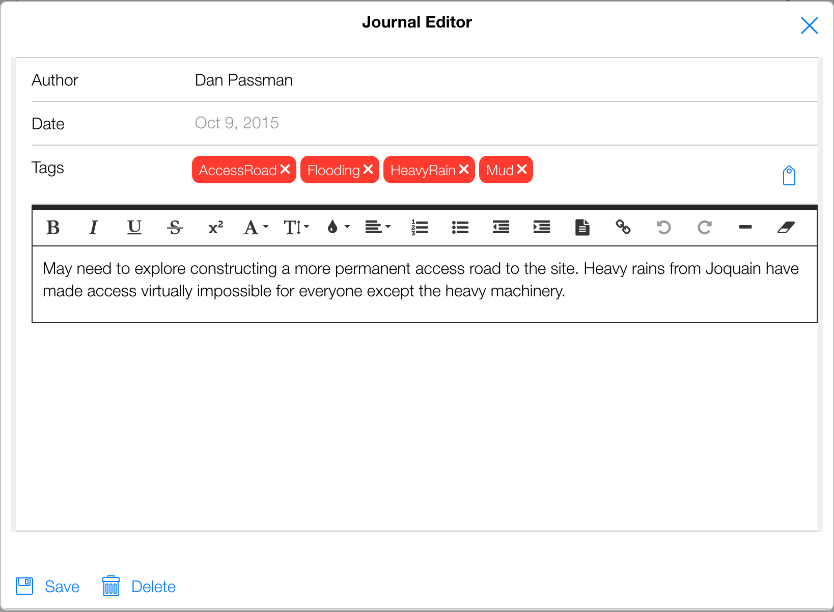
Figure 155 - Editing a previously entered Journal Entry
- In the Journal Editor form, make any edits and Tap the Save button.