-
Pay Items for each Contract or Task Order can be viewed through the Pay Items page. The Pay Items are added in CPOM at the beginning of the contract and downloaded to your device through the Sync.
To access the Pay Items page:
- Select the contract from the Contracts page
- Tap the Pay Items link
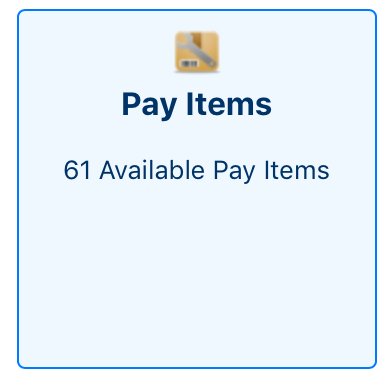
- The Pay Items Page will be loaded and displayed
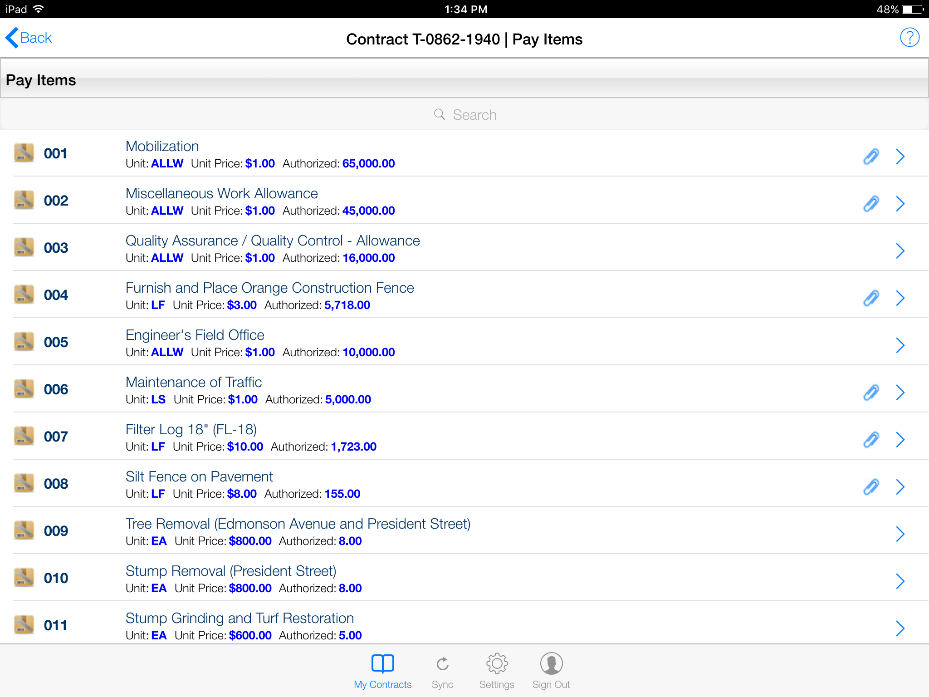
- Pay Items with attached Specifications will display an attachment link in the item line. You can tap the link to download and view the Specification

- Tap on any Pay Item to load the Pay Item Details
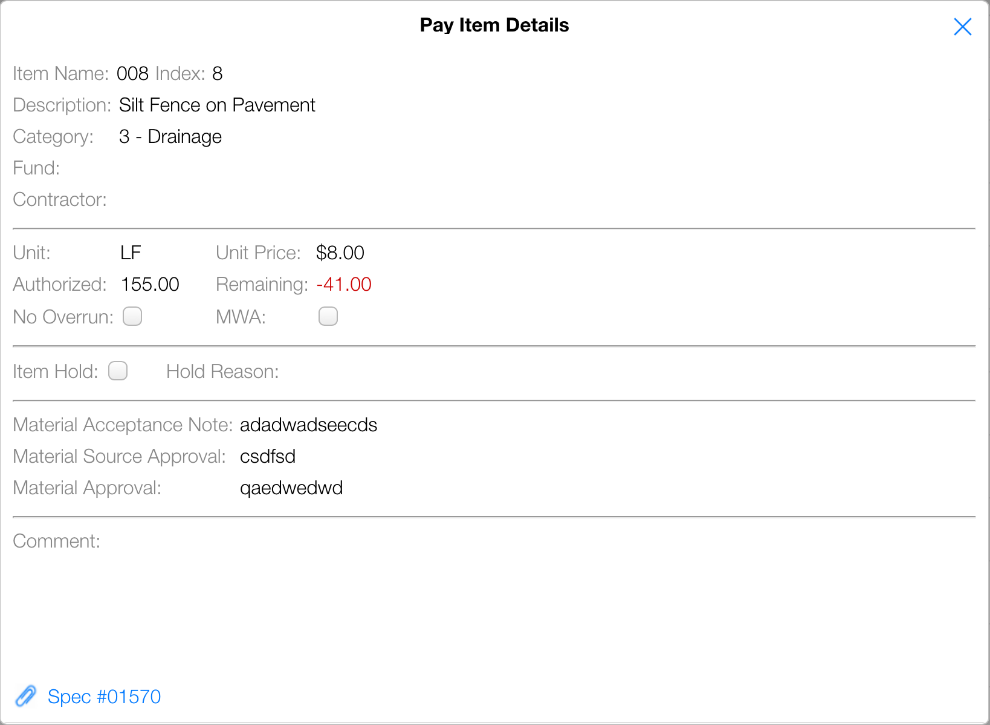
- Pay Items may have a related Specification Document. You can download and view the specification by tapping the Spec (#) Link located at the bottom of the Pay Items Details page.