-
The application initialization involves a one-time setup of some basic user information (Organization, Username, and Password) to help customize the interface. During the initialization process, the user will log in for the first time.
- Tap OK when the CCMS Initial Setup box appears.
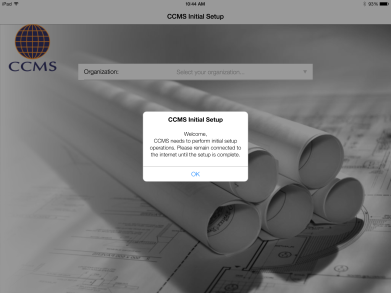
Figure 5 - CCMS Initial Setup box
- Select your Organization from the drop down list and enter your Email and Password. Tap the Login button.
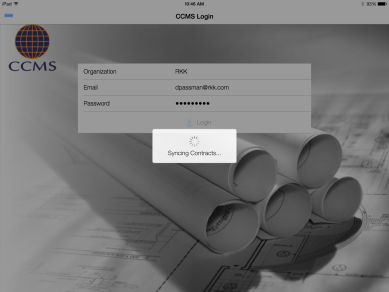
Figure 6 - Credentials Login Box
- Once logged in, you will be taken directly to the My Contracts page, which will allow access to all contracts associated with the login account.
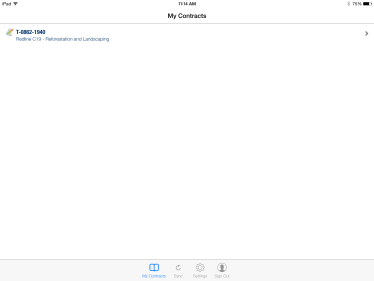
Figure 7 - My Contracts page shows after successful initialization