-
Any crew that has been added to an existing IDR may also be removed if the IDR Status is not approved. To remove a crew from an existing IDR:
- Select the IDR to remove crew.
- Tap the Crew tab.
- From list of Crews, select crew to delete by tapping the Pen icon.

Figure 19 - Select pen icon to bring up Edit Crew window
- Tap the Delete button in the Edit Crew form.
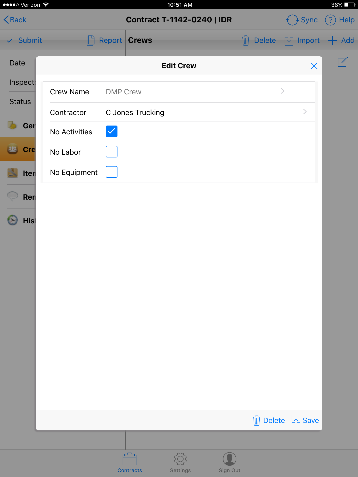
Figure 20 - Edit Crew window. Delete button in lower left
- Tap Yes when prompted.
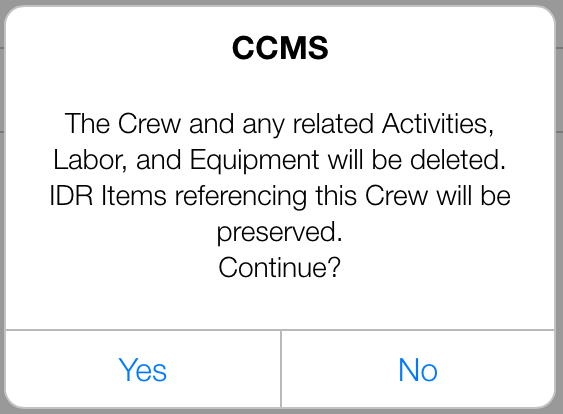
Figure 21 - Delete Crew warning box
- The crew is now deleted from the IDR.