11.6.2.1 Step 1: Lockout Progress Payment
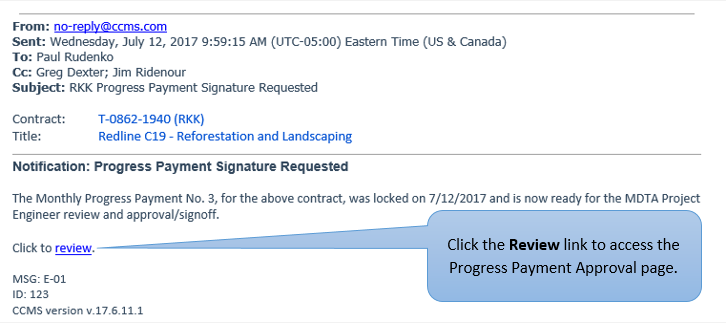
The first step in initiating the Progress Payment Approval process is to Lockout a Progress Payment Period. If the lock out fails, please address any errors and attempt to lock out again. Once the Progress Payment is successfully locked, an email notification is sent to the first person (typically the Project Engineer) in the Approval Workflow. Additional CC Notifications may be sent to other signatories in the Workflow. The notification email will look like the one shown below
Next Topic: Step 2: Electronically Approve Progress Payment