11.6.2.2.1 Method 1: Password Only
Clicking the Approve button will load the Progress Payment eSignature popup form below.
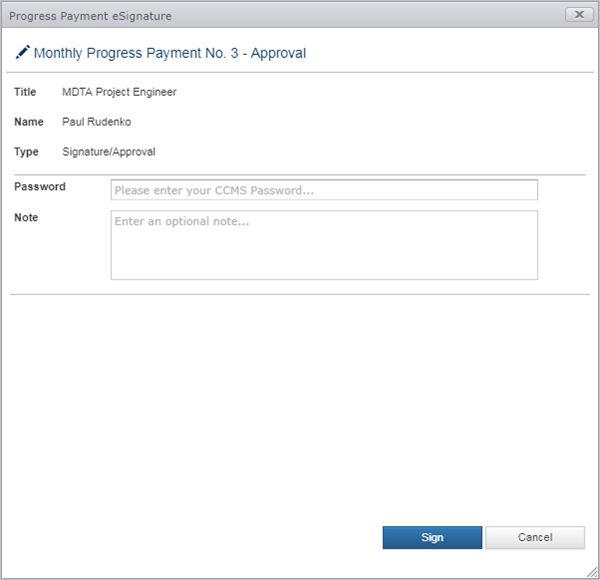
To complete the Electronic Approval, you must successfully enter your CCMS password and click the Sign button. If the password is incorrect you will be notified and must reattempt. The note field is optional and can be used to relay additional information about the Progress Payment. Information entered in the note field is only displayed on the Progress Payment report.
Next Topic: Method 2: Password and Checkbox Confirmation